HZ-Loading Screen Creator
Build and manage your loading screen in-game
Excl. tax · calculated at checkout
One purchase covers every server on your Cfx.re account.
Product Features
Build It Live, In-Game
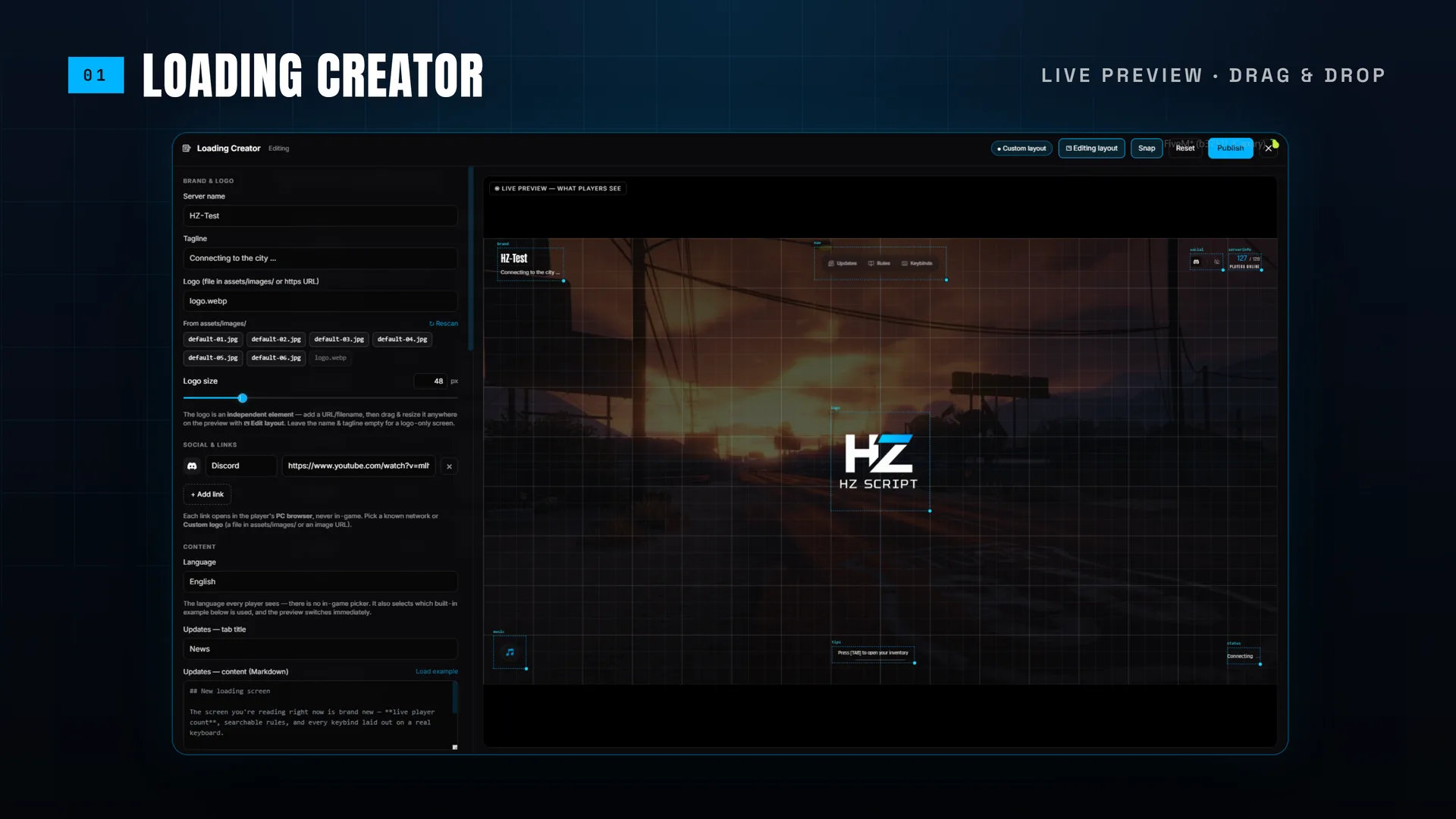
The right-hand pane is the real loading screen, not a mockup — the same app your players load, driven live as you type. Drag any block anywhere, then publish to everyone connecting right now. No restart, no FTP, no developer.
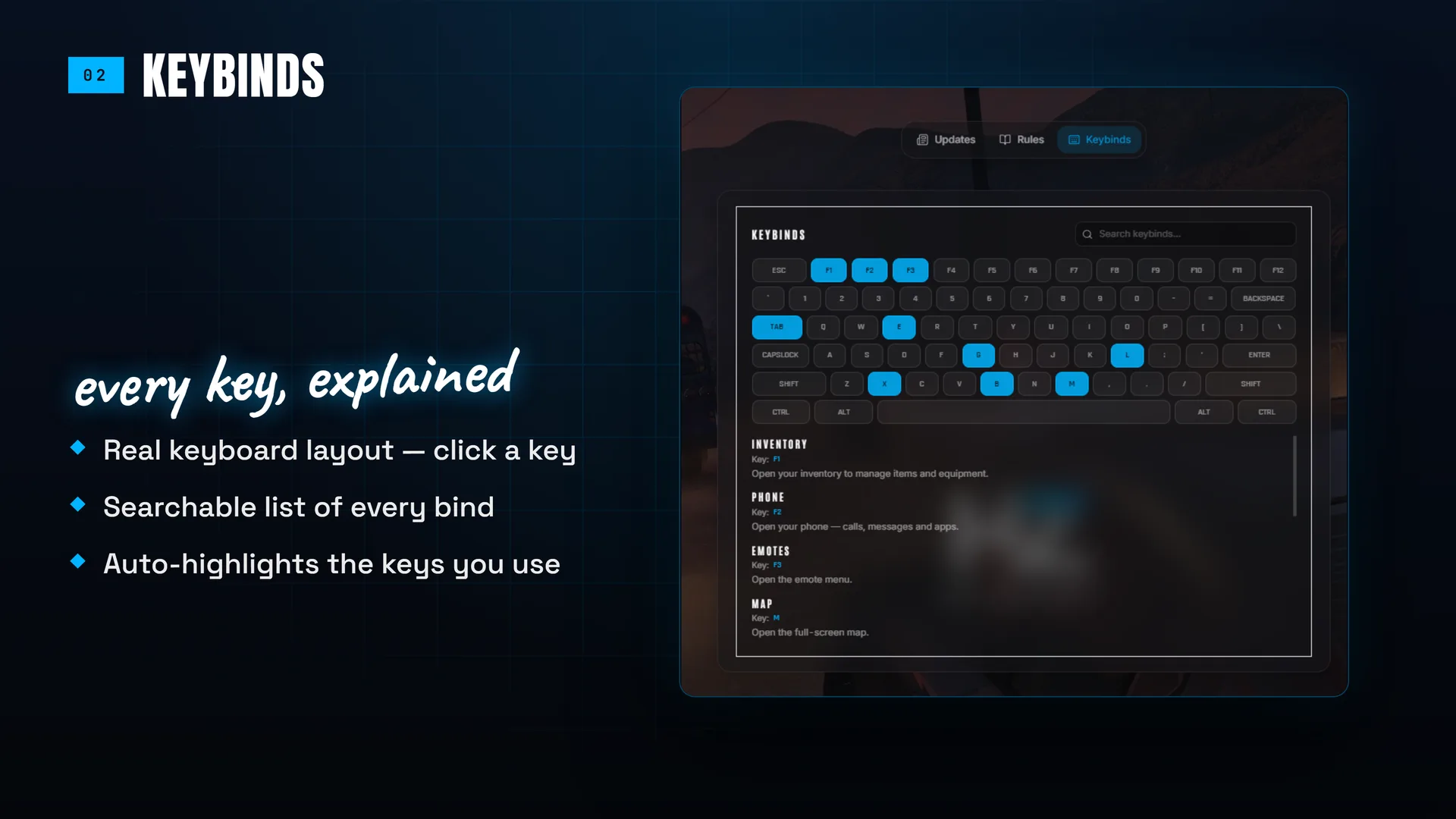
Every Key, Explained
Your bound keys lit up on the physical keyboard, each with a label and a description, plus a searchable list. The QWERTY / AZERTY toggle matters: GTA binds the physical key, so showing the wrong board mislabels an entire row.
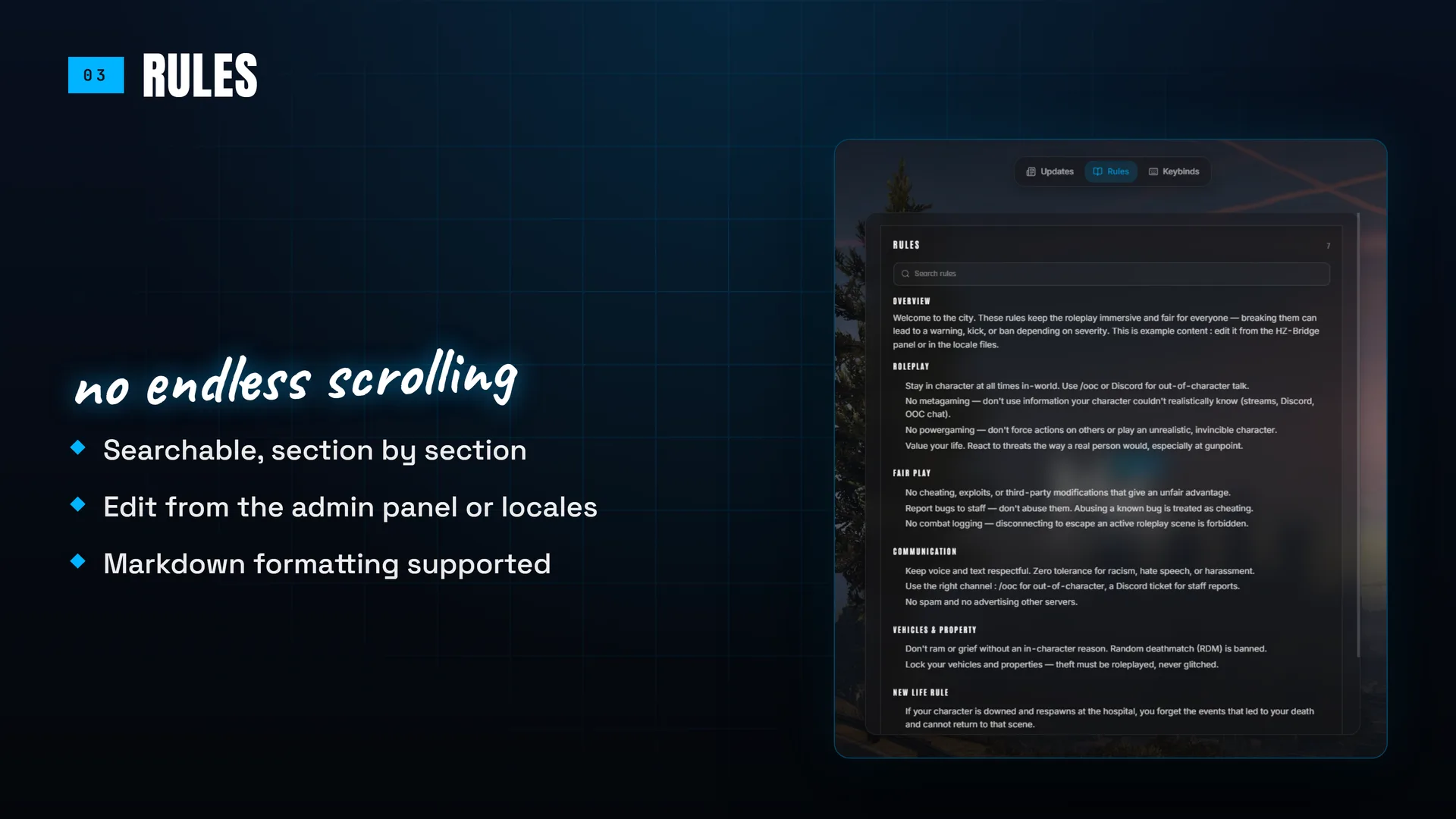
Rules People Actually Read
Written in Markdown, with every heading becoming its own searchable section — no more scrolling a wall of text to find one line. Edited from the admin panel, and translated into 7 languages out of the box.
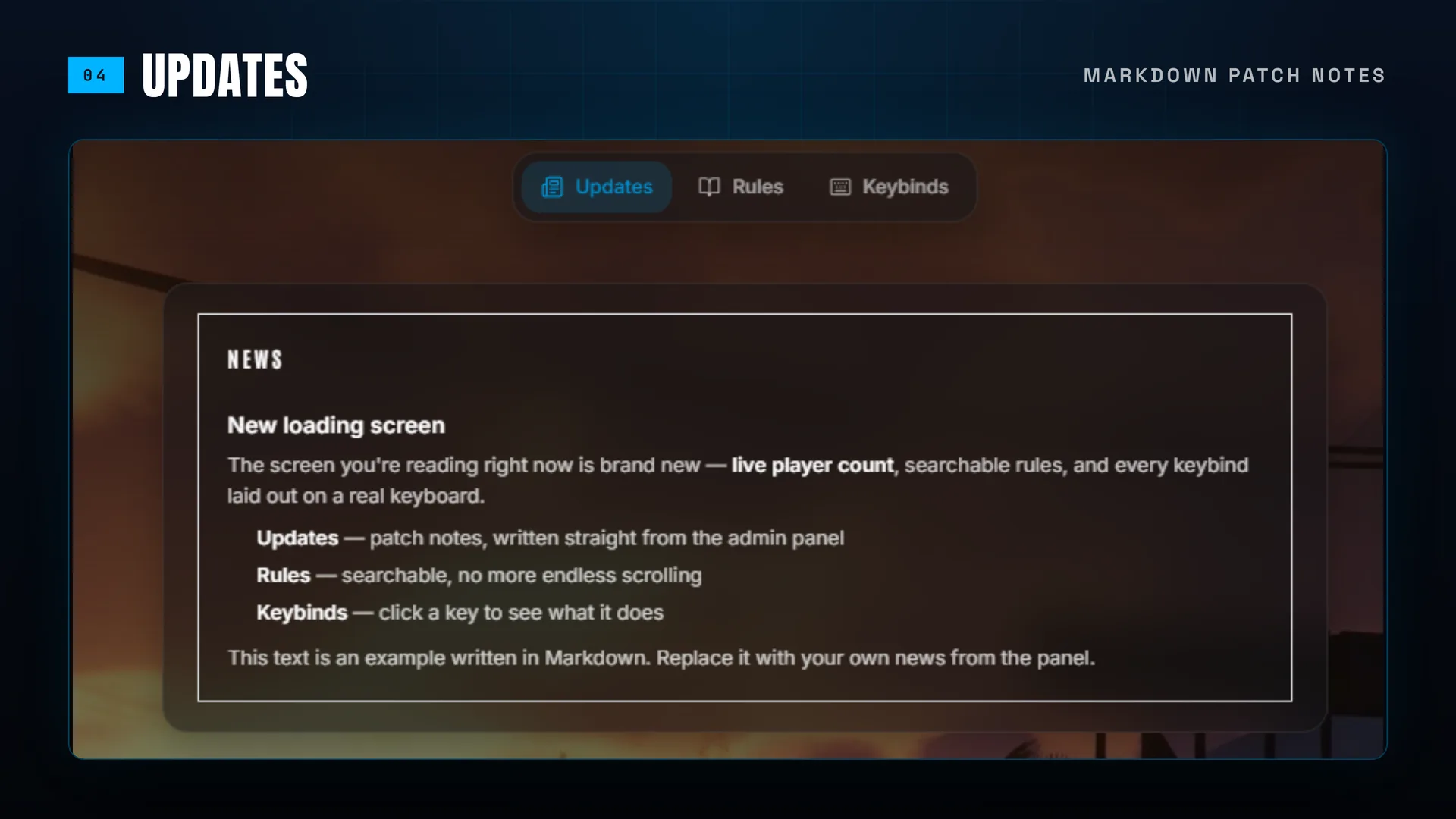
Patch Notes That Stay Fresh
The most-viewed screen on your server, updated in thirty seconds from the panel. Markdown formatting, no file to edit, no restart — so your news block stops announcing an event from four months ago.
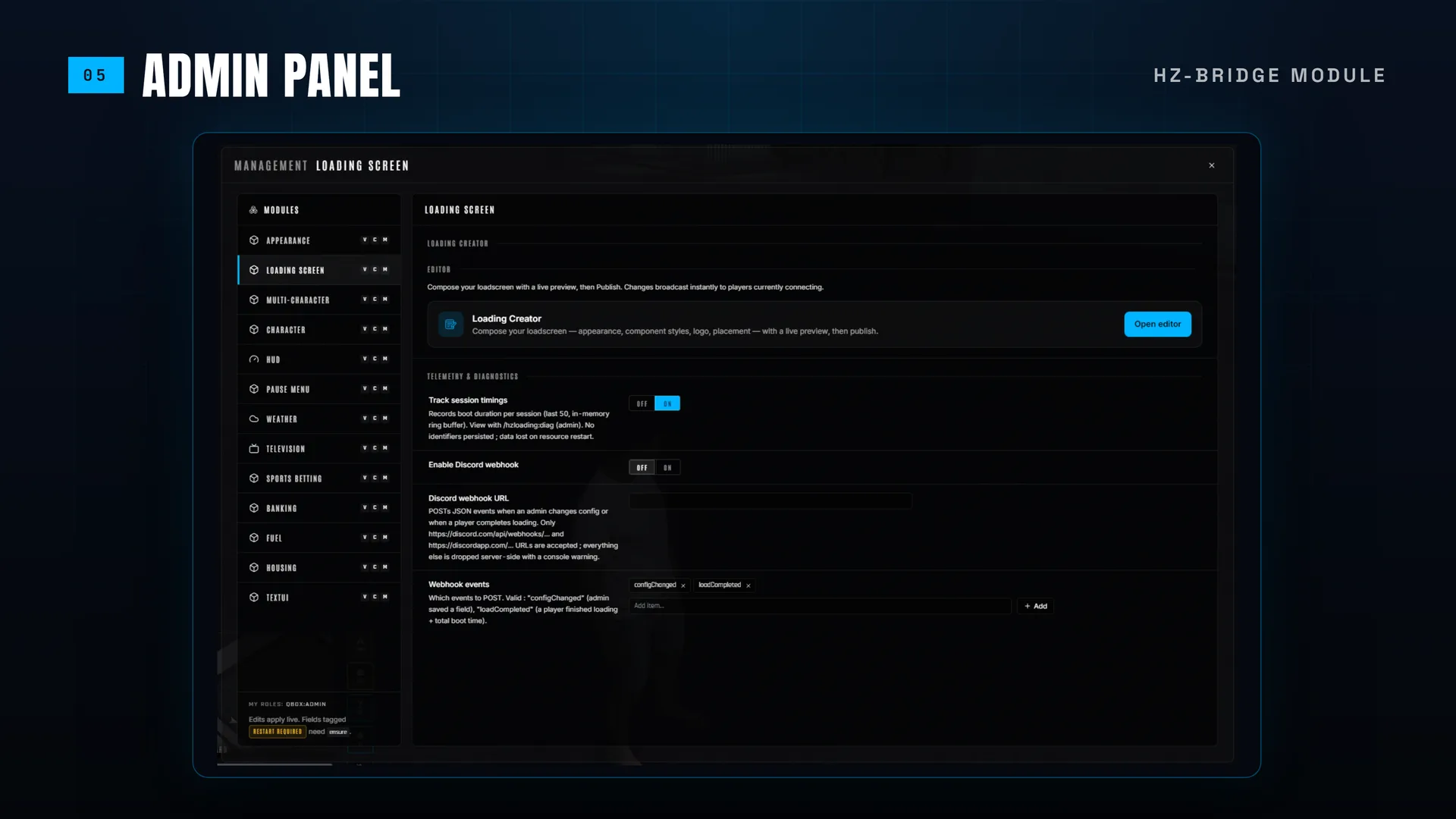
One Panel, Your Existing Roles
HZ-Loading is a module inside hz_lib, so it uses the panel and the permissions you already have. Publishing is its own capability: a moderator can refresh the loading screen without being a global admin, and never touches your Discord webhook.
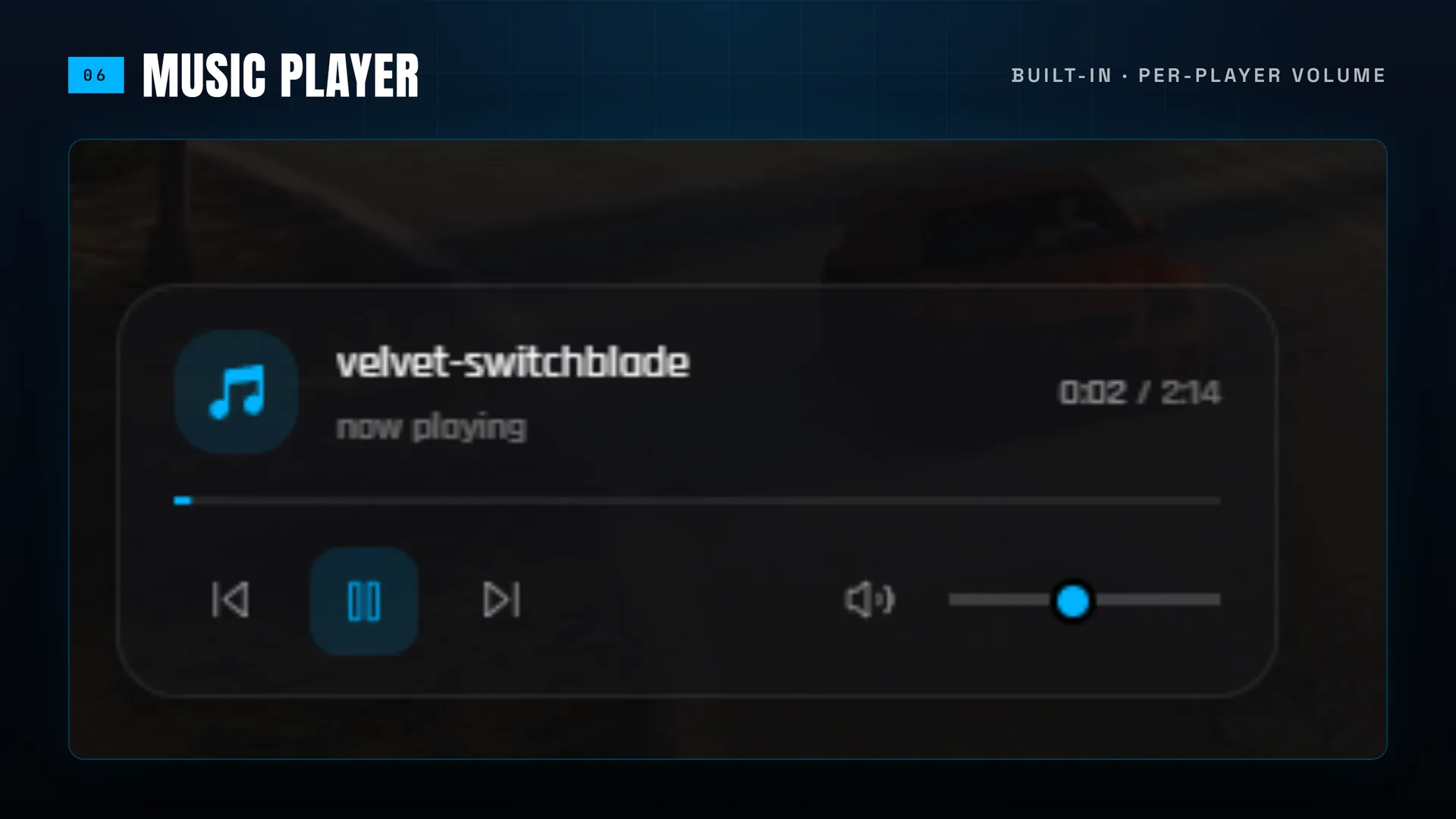
Music With Real Controls
Playlist, shuffle, skip, volume and mute — and each player's preferences persist between connections and pause on alt-tab. Drop an MP3 in the folder, hit Rescan, and it is selectable without a restart.
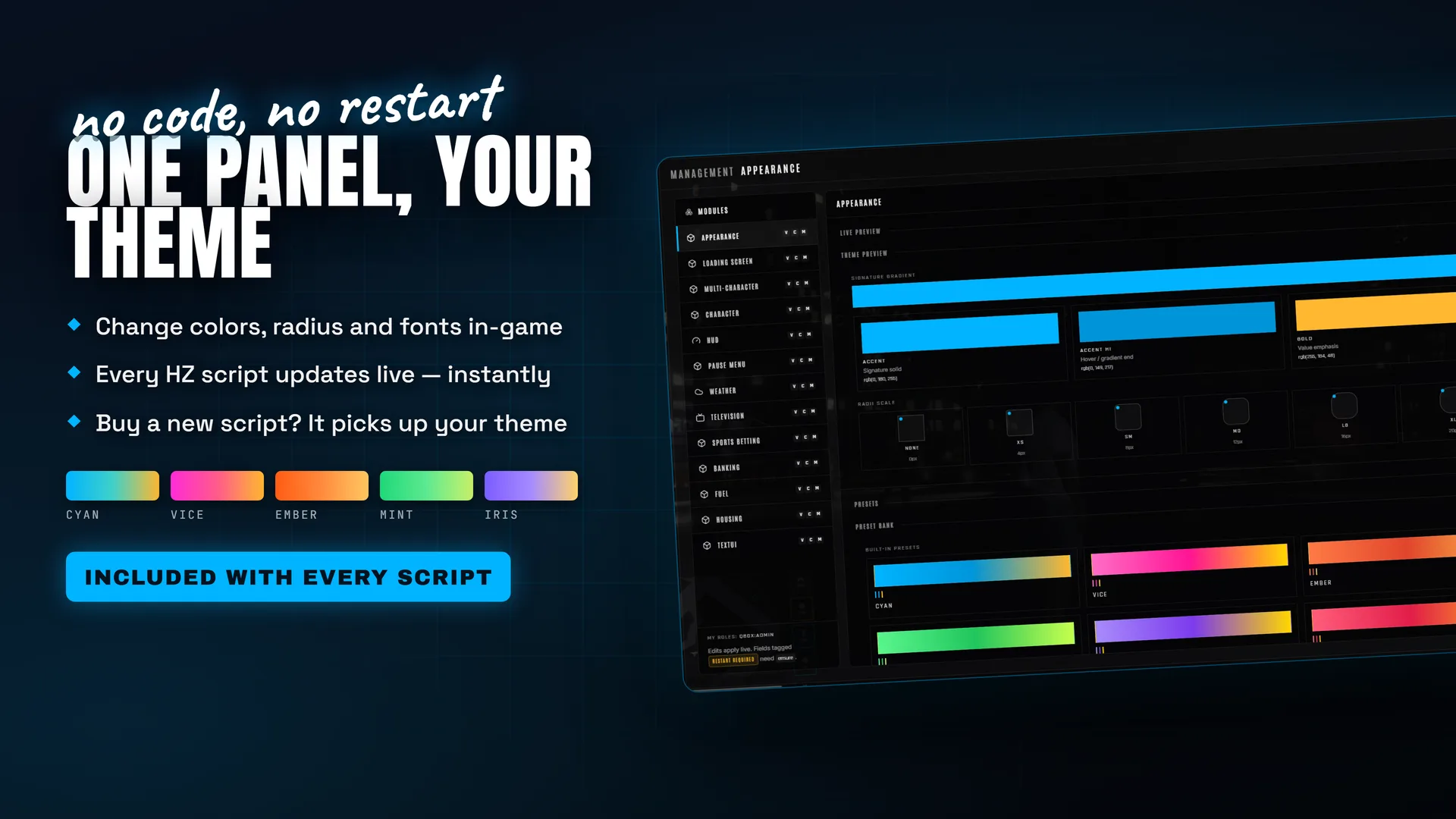
Your Theme, Every HZ Script
Set your accent, corners and fonts once in hz_lib and every HZ resource follows — loading screen included, live, no restart. Seven presets ship with it, or dial in your own colours. Buy another HZ script later and it adopts your look on first boot.
What is HZ-Loading?
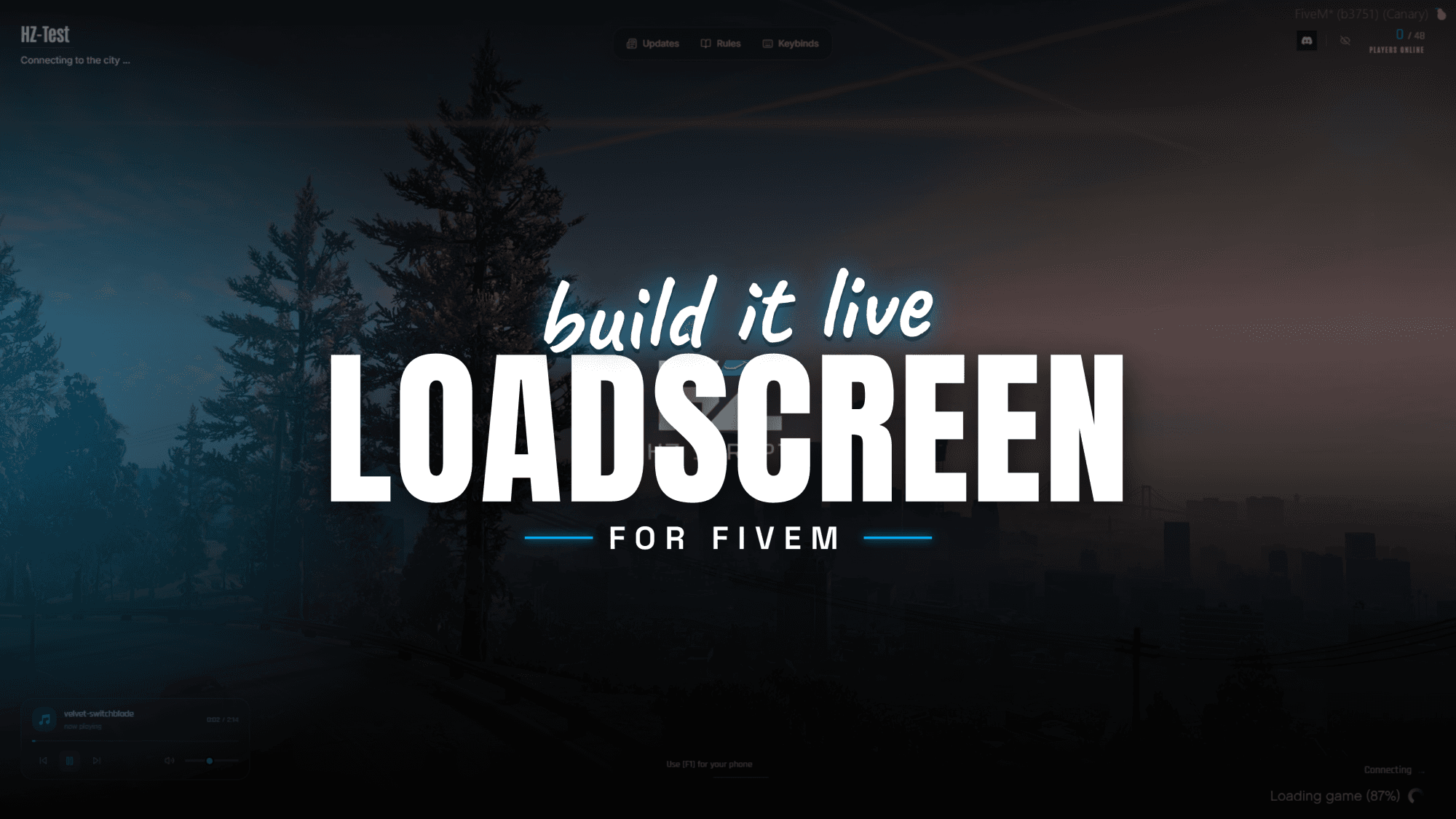
HZ-Loading is a loading screen creator for FiveM — a loading screen your admins build in-game, from your own admin panel, without touching a config file or a line of code. Open the editor and you get a split-pane builder: settings on the left, and on the right the actual loading screen running live, updating as you type. Move blocks around by dragging them, set your colours, pick your music, click Publish — everyone connecting from that second sees the new screen. No restart, no FTP, no developer.
It is also the loading screen that actually knows things about your server. The progress bar is bound to FXServer's real streaming events, so it follows the genuine download instead of animating on a timer. The live player count, slot count and uptime come from your own server and are delivered through the connection handshake — which means they are already correct for a player who is still connecting, something most loading screens simply cannot do.
And it is yours. One-time purchase, fully self-hosted, no subscription and no external service. It runs on your server, reads your data, and keeps working regardless of whether anyone else's website is up.
Why the loading screen matters more than people think
The loading screen is the single most-viewed screen on your server. Every player sees it, every time, for thirty seconds to several minutes — before they have seen a single thing you built. It is your first impression, repeated hundreds of times a day.
Yet it is usually the most neglected resource on a server, for one practical reason: changing it is annoying. Free loading screens are HTML and CSS files. Updating your rules means editing a file over FTP, restarting the resource, and hoping nothing broke. So nobody does it. The rules go stale, the news block still announces an event from four months ago, and the staff list contains two people who left.
Hosted editors solve the friction but introduce a different problem: your server's front door now lives on somebody else's infrastructure, behind a monthly fee, and it goes down when they go down.
HZ-Loading takes the third route. The editor is inside your server, in the admin panel your staff already uses, with the permissions you already configured. Your moderator can refresh the news without an FTP client, without a restart, and without you.
Features in detail
The Loading Creator
Open /hzpanel, choose HZ-Loading → Open editor. The right-hand pane is not a mockup or an approximation — it is the same React application your players load, mounted in an iframe and driven live as you edit.
Placement is free-form drag and drop with grid snapping: the brand block, navigation tabs, social icons, music card, tips ticker, status card, logo and server info can all sit wherever you want them. Backgrounds, colours, panel styles, music, keybinds and content are all edited in the same place and previewed instantly. Publish persists your document and broadcasts it to every player currently connecting.
Because publishing is a distinct, permission-gated action, you can hand the loading screen to a scoped moderator without making them a global administrator.
Real progress, real data
The progress bar is wired to FXServer's actual loading events — the init, map and run phases, the file currently streaming, and a true percentage. Players get an honest signal of how long they have left rather than a bar that fills at a fixed speed and then sits at 99%.
Server information is a harder problem than it looks: a player who is still connecting cannot receive normal network events yet. HZ-Loading solves it by shipping the data through the connection handshake itself, so the player count is live and correct from the very first frame — plus a targeted 15-second refresh for screens already on display.
Scene scheduler
Each scene declares a cron schedule and a partial configuration. When the clock matches, that scene overlays your normal settings — first match wins. A Halloween theme for the last week of October, a maintenance banner on Tuesday mornings, a themed playlist for a promo weekend. Anything a scene does not override falls straight through to your usual configuration, so scenes stay small and safe. Set them once and they run every year on their own.
Backgrounds, music and content
Backgrounds can be an image playlist with crossfade, a video file, a YouTube video, or a generative animated background — with darkness, grayscale, saturation, contrast and scanline effects on top. The music player supports playlists, shuffle, skip, volume and mute, with per-player preferences that persist between connections and pause automatically on alt-tab.
Updates and Rules panels accept Markdown — headings, lists, bold, links — and Rules gets full-text search with one searchable section per heading. There is also a team grid and a rotating tips ticker that tracks which tips each player has already seen, so returning players get new ones first.Assets are discovered from disk: drop an MP3 or an image into the resource folder and it appears in the Creator's picker, with a Rescan button that refreshes the list without a restart.
The keybinds board
The default keybinds view draws the physical keyboard with your bound keys lit, each carrying a label, description and tooltip, plus a search box. It includes a QWERTY / AZERTY toggle, which matters more than it sounds: GTA binds the physical key, so an AZERTY player's A sits where QWERTY prints Q. Showing the wrong board mislabels an entire row. Grid, list and compact tile styles are available as alternatives.
Seven languages, finished out of the box
English, French, Spanish, German, Portuguese, Turkish and Italian. Both the interface and the built-in example content are translated, so a fresh install already looks like a finished loading screen in every language — real rules, real news, real tips. A Load example button copies that text into the editor so you can edit it rather than retype it.
Consistent with the rest of your server
HZ-Loading follows the hz_lib theme cascade: set your accent colour once and every HZ resource picks it up, loading screen included. Accent, highlight, gold, surface and text colours, corner radius and panel opacity are all exposed, with two ready-made presets as starting points.
Permissions and hardening
Publishing is gated behind an explicit hz_lib capability, separate from general panel access. Markdown is sanitized before rendering, so a compromised panel account cannot inject a script into every connecting player. Filenames and URLs are validated with path-traversal protection, and your Discord webhook is never included in anything sent to a client.
Compatibility
- Standalone. No framework required — runs alongside ESX, QBCore, QBox or anything else.
- Requires hz_lib (free) for the admin panel, role permissions and the theme cascade.
- Any recent FXServer build.
Installation
- Drop
hz_loadinginto your resources folder. - Make sure
hz_libstarts before it in yourserver.cfg. - Add
ensure hz_loading. - Reconnect.
/hzpanel to make it yours. No Node.js, no build step: the interface ships pre-built.
Performance
The loading screen runs in its own window before the game world exists, so it costs nothing in-game. What matters instead is how fast it paints and how little it asks of your server.
Fonts are self-hosted and subsetted — there is no CDN request, which also means the screen renders correctly for a player whose DNS is not up yet. The Rules and Updates panels, including the Markdown renderer and the search index, are split into separate chunks loaded only when a player actually opens them, keeping the first paint lean. On the server side, the live refresh is targeted at connecting players only rather than broadcast to everyone, and all configuration is resolved once per connection instead of being polled.
Frequently Asked Questions
Complete your setup
These scripts share hz_lib — they install and configure together.