HZ-Lib
The single panel that runs every HZ script
What is hz_lib?
hz_lib is the shared foundation required by every Hz-Scripts resource. Install it once, configure everything from a single in-game panel, and every Hz-Script works out of the box on any server setup.
Current version: 1.1.6
Live admin panel
Stop chasing config.lua files across twenty resources. /hzpanel opens one in-game panel that configures every Hz-Script live.
Modules tab — live config tuning
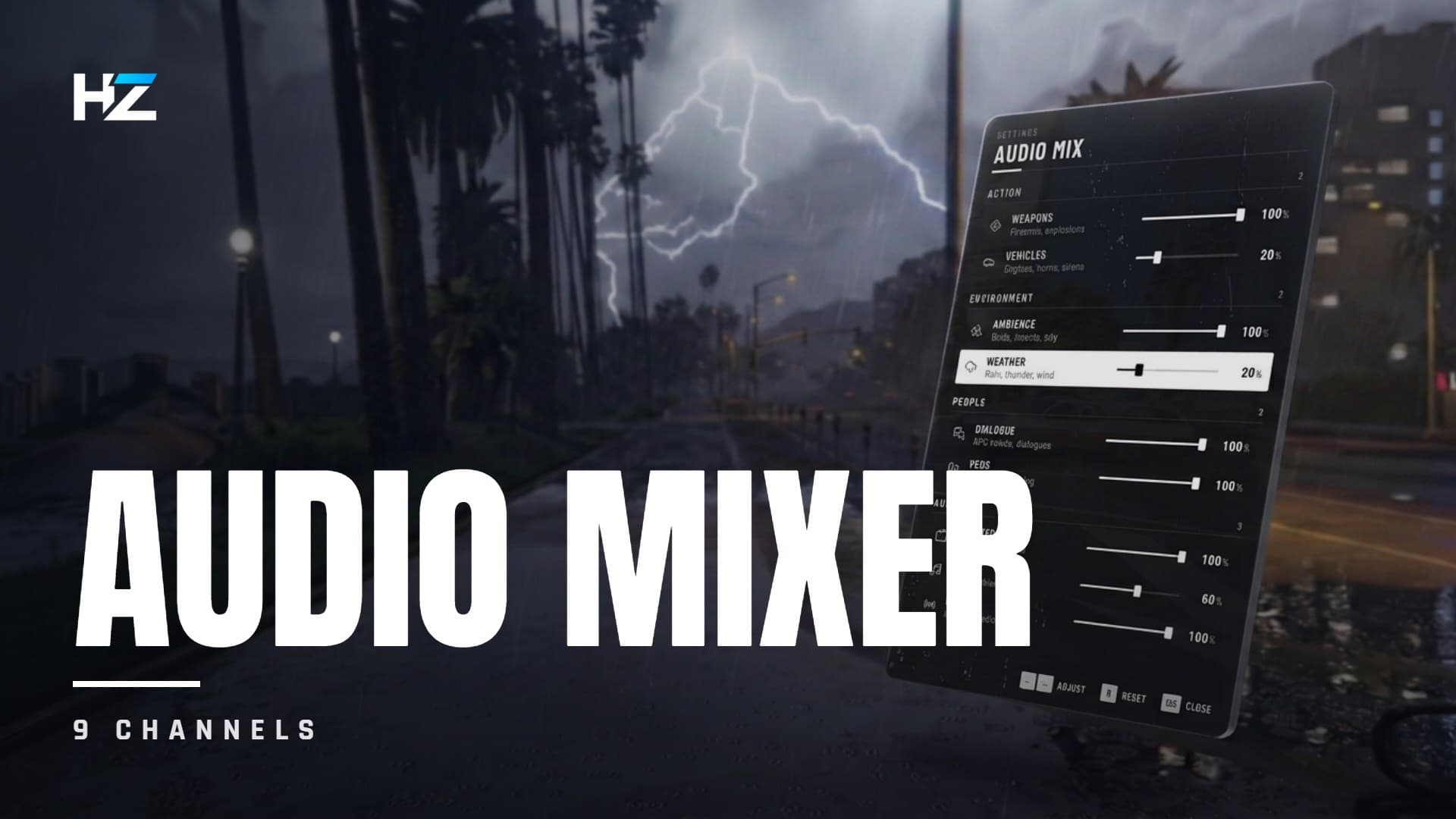
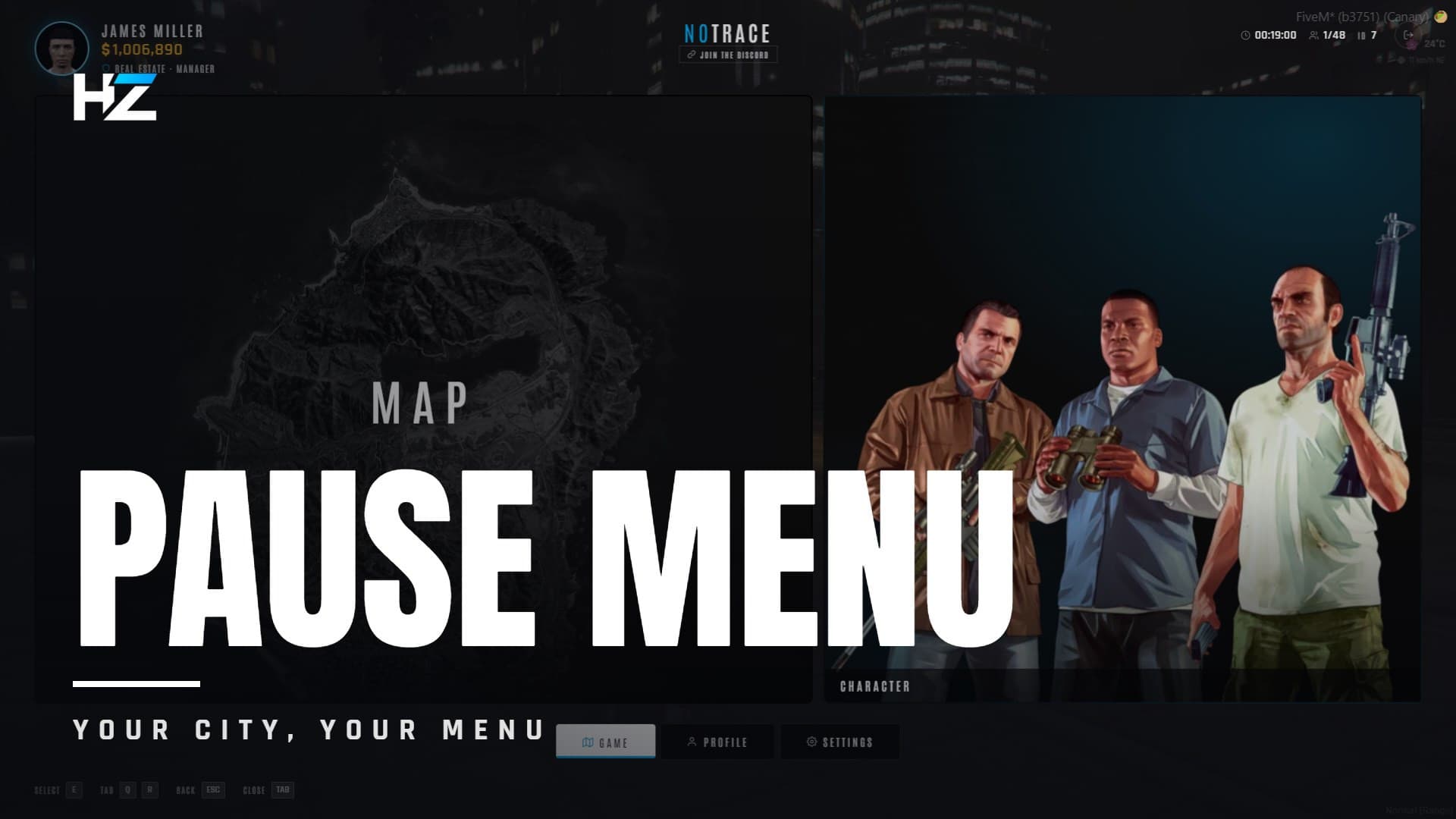
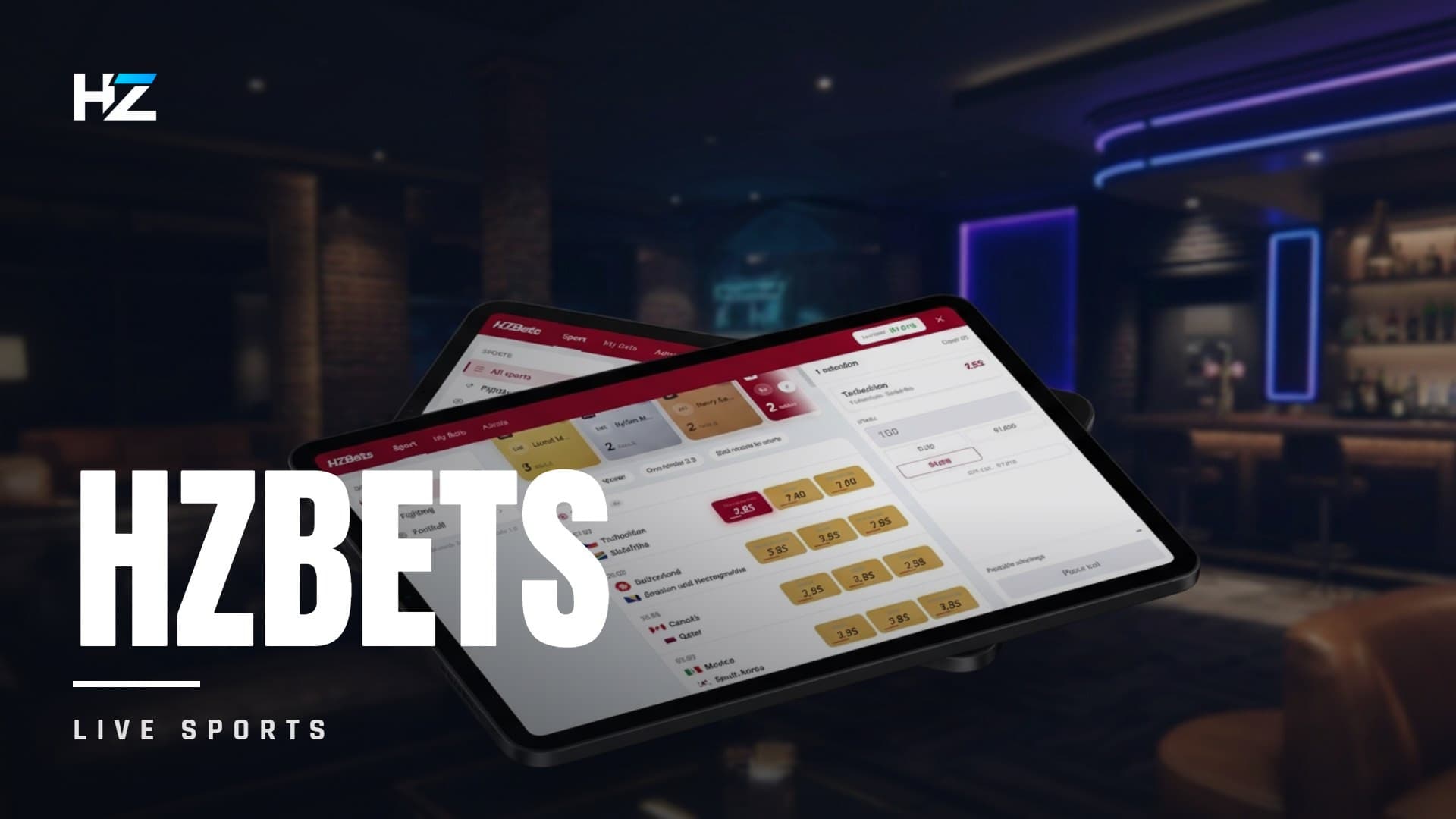
Every HZ script sold here registers its config in the panel — HZ-Weather, HZ-Television, HZ-AudioMixer, HZ-Bets, HZ-Loading, HZ-PauseMenu, HZ-TextUi, HZ-Cook — and so does hz_lib itself.
- Schema-driven UI — each script declares its fields and the panel renders the right input automatically: number, enum, color picker, range, toggle
- Live propagation — day-to-day tuning reaches every client over the network, with no resource restart
- Safe fallback — existing
config.luavalues stay in effect when no admin override is set
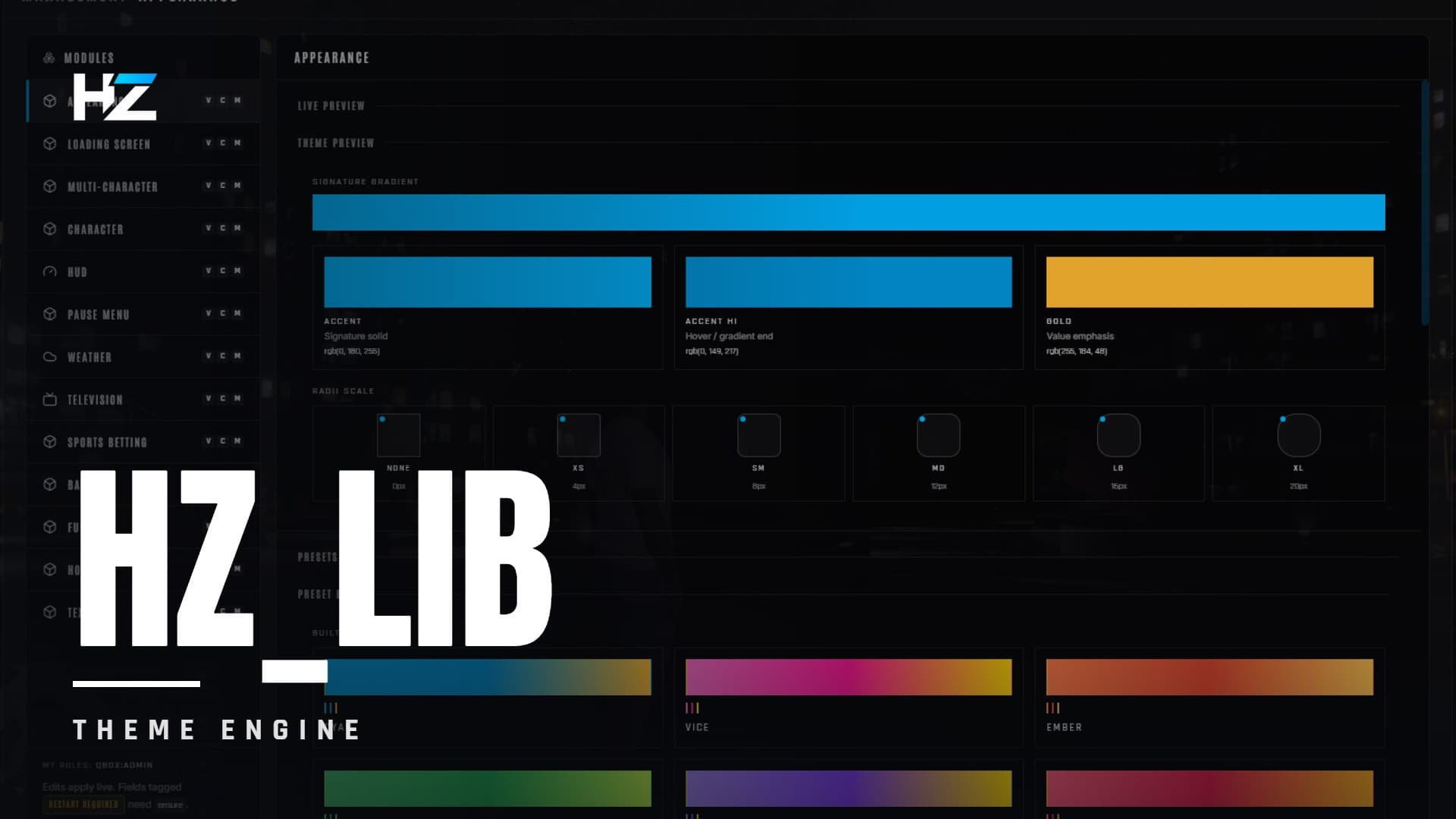
Appearance tab — theme cascade
- Two built-in presets: Industrial (cyan) and Vice (pink)
- Full customization: accent, accentHi, gold, surfaces, a 6-tier radius scale, and gradient ↔ solid mode
- One click retints every Hz-Script surface in real time — no per-resource theme settings to maintain
- Preset bank — save a tuned theme as a named preset and apply it in one click. Persists server-side.
Role-based access control
Not a single admin flag: capabilities are granted per module.
| Capability | Grants |
|---|---|
view | Read the module, read-only |
config | Change its saved settings |
manage | Trigger its runtime actions |
To grant access, add yourself to the ACE group:
add_principal identifier.license:YOUR_LICENSE group.admin
add_ace group.admin admin allow
Then run /hzpanel in game. If it refuses, the server console prints your identifiers, an ACE probe, and the exact two lines to paste.
Universal auto-detection
Everything is set to auto by default. Zero configuration needed.
| Layer | Detected |
|---|---|
| Frameworks | ESX, QBCore, QBox, Ox Core, vRP, Standalone |
| Inventories | ox_inventory, qs-inventory, ps-inventory, codem, core, origen, tgiann, ak47, framework native |
| Notifications | ox_lib, okokNotify, mythic_notify, codem, pNotify, framework native, GTA native |
| Target | ox_target, qb-target, interact, built-in TextUI |
| Menus | ox_lib, qb-menu, ESX menu, native fallback |
| Dispatch | cd_dispatch, ps-dispatch, qs-dispatch, rcore_dispatch, emergencydispatch, built-in fallback |
| Banking / Society | qb-banking, qb-management, Renewed-Banking, okokBanking, qs-banking, tgg-banking, crm-banking, tgiann-bank, esx_society, hz_banking, standalone |
Features
- Install once — every Hz-Script shares it, with no duplicated dependencies
- 114 exports ready to use in your own scripts
- Bidirectional callbacks with rate limiting and timeout
- Shared toolkit your scripts can call: player administration verbs, owned-vehicle lookups, entity placement gizmo, minigames (progress bar, skill check, sequence), spawn coordination, prop texture streaming
- Zero performance cost — detection runs once at startup, and the panel is dormant when closed
- Live propagation — value changes hit every client without a restart
Requirements
- A FiveM server
- ox_lib (required)
- At least one supported framework, or run Standalone
- oxmysql — only for the optional owned-vehicle lookups
Installation
- Place
hz_libin yourresources/folder - Add
ensure hz_libtoserver.cfg, before any Hz-Script - Open
/hzpanelin game as an ACE'd admin
Upgrading from HZ-Bridge
The resource was renamed to hz_lib, and every HZ resource moved from HZ-Xxx to hz_xxx. Copy your old HZ-Bridge/data/ folder into hz_lib/ before the first boot — your panel settings and staff permissions are migrated automatically.
Frequently Asked Questions
Complete your setup
These scripts share hz_lib — they install and configure together.